
Promote Your MCP Server
MCP Directory
Find and install MCP servers easily
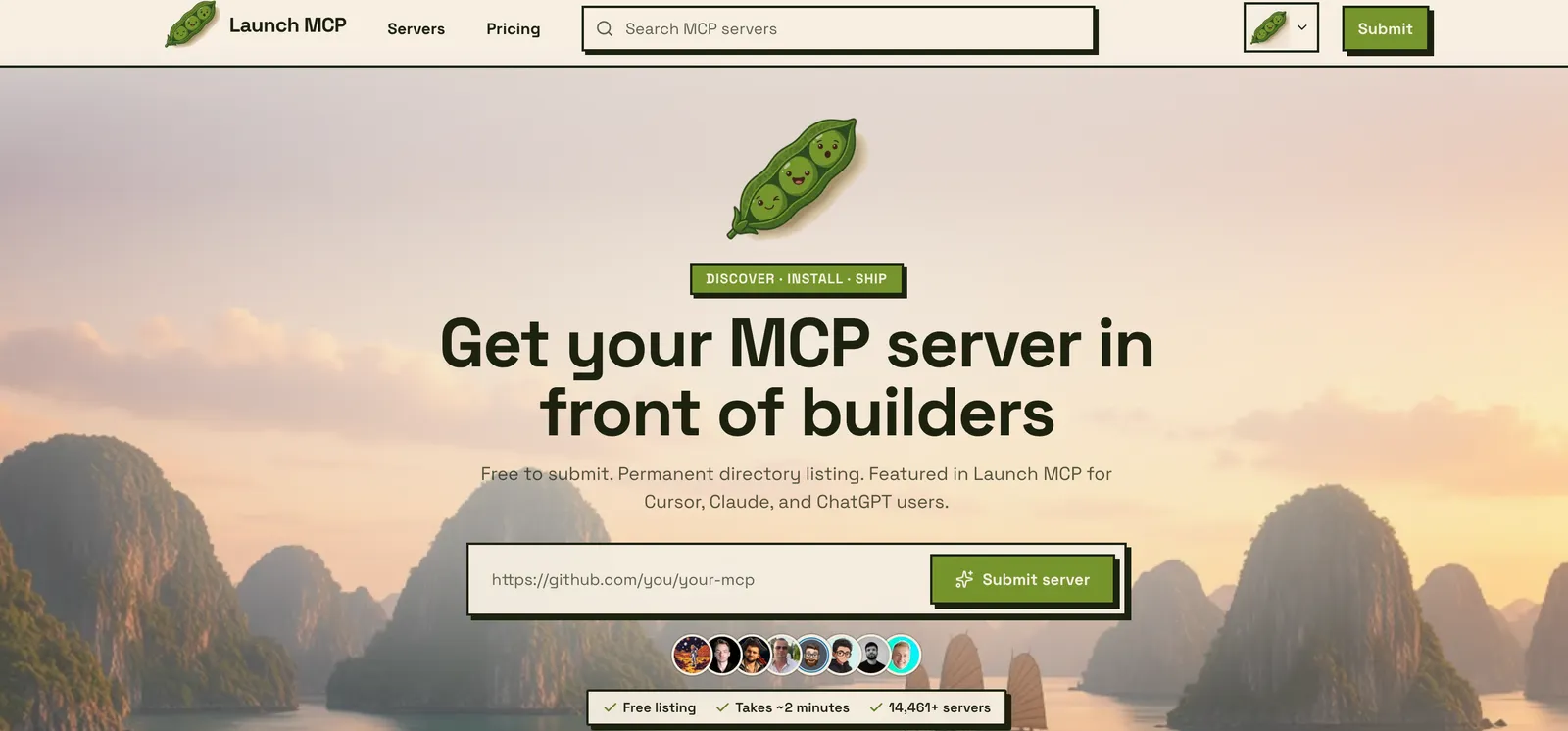
About MCP Directory
The MCP Directory allows users to browse and install over 14,448 Model Context Protocol servers and connectors for Cursor, Claude, and ChatGPT. It offers a free listing service for server submissions, ensuring visibility to builders in the community. With a focus on open-source solutions, the directory features a variety of servers across different categories, making it a valuable resource for developers and users alike.
MCP Directory pricing
free
MCP Directory alternatives
Tools the builder names as the closest alternatives.
- https://mcp.so/
MCP Directory FAQ
- What is an MCP server?
- An MCP server is a small program that exposes tools, resources, and prompts to an AI client over the Model Context Protocol. It speaks JSON-RPC 2.0 over stdio, SSE, or Streamable HTTP — and once connected, the AI can call any tool the server defines. Compatible clients include Claude Desktop, Claude Code, ChatGPT, Cursor, Windsurf, VS Code, Zed, and JetBrains IDEs.
- What is Launch MCP?
- Launch MCP is an MCP directory. We index and categorise servers so you can search by name, job-to-be-done, or category and land on something you can actually install — not a wall of unvetted repos. We are not the official MCP Registry; that is registry.modelcontextprotocol.io, the canonical index the protocol project maintains. Browse every listing at launchmcp.co/mcp/servers.
- What are MCP connectors?
- A connector is a pre-configured MCP server you plug into an AI client in one step. On Launch MCP, open-source servers are ones you run locally; hosted connectors are remote endpoints someone else already runs. Filter the directory by type to see either list.
- How do I add an MCP server to Cursor?
- Open Cursor Settings → Features → MCP → + Add New MCP Server, or edit ~/.cursor/mcp.json directly. Each server takes a command, an args array, and an optional env map. When a Launch MCP listing has a verified paste-ready block, that same JSON works in Claude Desktop, Windsurf, and most other MCP clients. Otherwise follow the publisher README linked from the listing.
- How do I add an MCP server to Claude Desktop or Claude Code?
- In Claude Desktop, open Settings → Developer → Edit Config to open claude_desktop_config.json. Add your server under mcpServers using the same command/args/env structure Cursor uses, then quit and relaunch. In Claude Code, run claude mcp add <name> <command> from your terminal. Use the listing’s verified config when present, or copy the maintainer block from the linked README.
Upvotes over time
Last 24 hoursUpvotes Over Time
24 hoursLaunched the same week

Cuewake
Leave it here. Find it when you’re back.
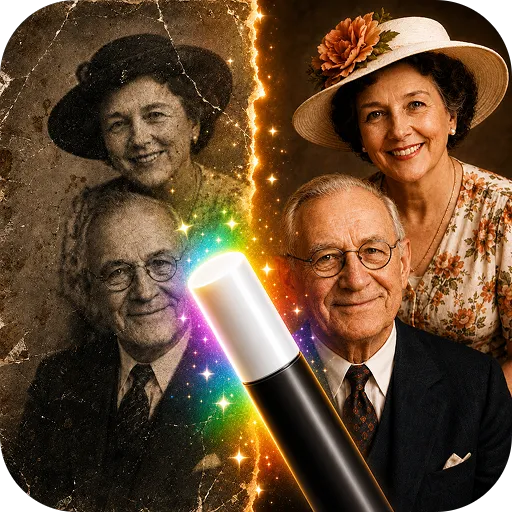
Restore Old Photos - Retrocap
Restore Old Photos with AI – Fix, Colorize & Enhance

Learn Spanish For Real
Flashcard practice with spaced repetition.

Genjutsu AI
Video-to-Video Online, No Subscription

ftak
Select any word on any page and see its meaning instantly

AI Credits
Find free AI credits before they expire
1 comment
Submit your MCP server for free and gain visibility!