Old Photo Restoration App
Restore Old Photos - Retrocap
Restore Old Photos with AI – Fix, Colorize & Enhance
About Restore Old Photos - Retrocap
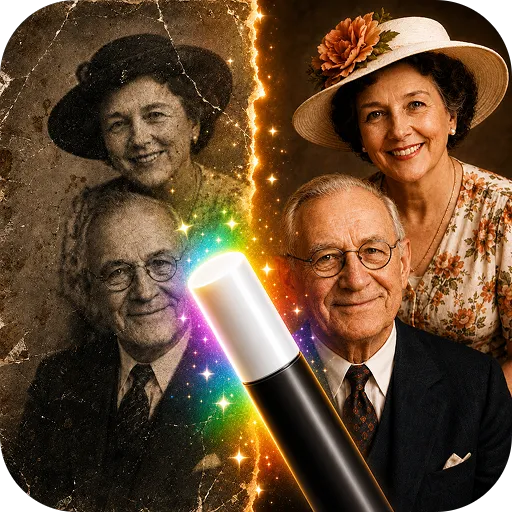
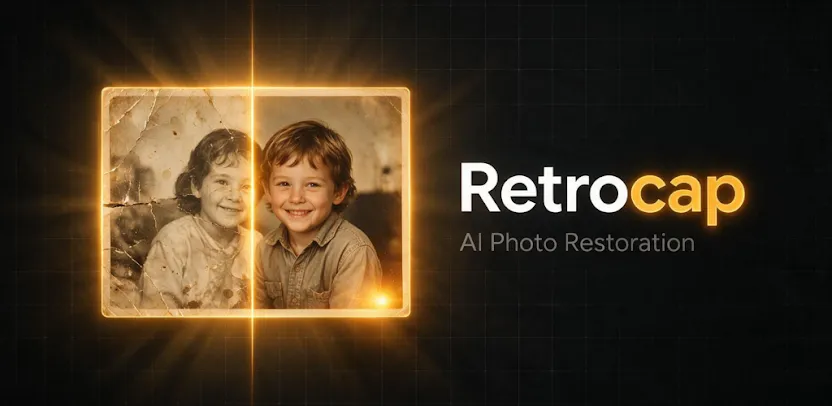
Restore Old Photos - Retrocap is an AI photo restoration app for iPhone and Android that brings old, damaged and faded photographs back to life in seconds. Scan or import a printed photo, pick what you want to fix, and Retrocap's AI models do the rest: one-tap restoration that rebalances faded colors and removes yellow casts and grain; scratch, tear and stain removal; face enhancement that sharpens blurry faces in portraits and group photos; colorization of black-and-white and sepia photos with Natural, Vivid, Vintage and Cool styles; portrait animation with subtle, natural movement; and high-resolution export for printing, framing and photo books. It is built for families, genealogy researchers and anyone who wants to preserve and share old memories without Photoshop skills. Photos are used only to create your results, never sold, and can be deleted at any time. Learn more at https://www.retrocap.net
Restore Old Photos - Retrocap pricing
Free to download. Restoring, colorizing and animating photos uses credits included with a weekly ($8.99) or yearly ($89.99) subscription; one-time credit packs are also available.
Restore Old Photos - Retrocap FAQ
- What is Retrocap?
- Restore Old Photos - Retrocap is an AI photo restoration app for iPhone and Android. It repairs, colorizes, sharpens and animates old photos in seconds, with no Photoshop skills needed.
- How do I restore old photos with Retrocap?
- Take a photo of a printed picture with the in-app camera, or import a scan from your gallery. Choose Restore, Colorize, Enhance or Animate, and the AI processes the image in a few seconds. Compare the before and after with the slider, then save or share the result in high resolution.
- Can Retrocap fix scratched, torn or damaged photos?
- Yes. The AI finds scratches, creases, dust spots, small tears, water stains and fading. It then rebuilds those areas from the surrounding detail, so the photo looks like the original rather than a heavily edited copy.
- Can I colorize black-and-white photos?
- Yes. Retrocap turns black-and-white and sepia photos into natural-looking color. You can pick from four styles: Natural, Vivid, Vintage and Cool.
- Can Retrocap fix blurry faces in old photos?
- Yes. A dedicated face enhancement model sharpens eyes, hair and facial details and keeps people recognizable. It works well on small portraits, group photos and wedding pictures.
Upvotes over time
Last 24 hoursLaunched the same week

Wormhole
Remote access to your Mac, window by window

Learn Spanish For Real
Flashcard practice with spaced repetition.

Bloggity
AI visibility set up FAST

SubmitSaaS
Submit Your SaaS to 140+ Directories Effortlessly

Suparelay
Call any landline or mobile in the world from your browser

Murmur
Private AI Dictation for Mac. Talk. It types.
1 comment
Hi good iob