
Notes And Reminders Chrome Extension
Eterna
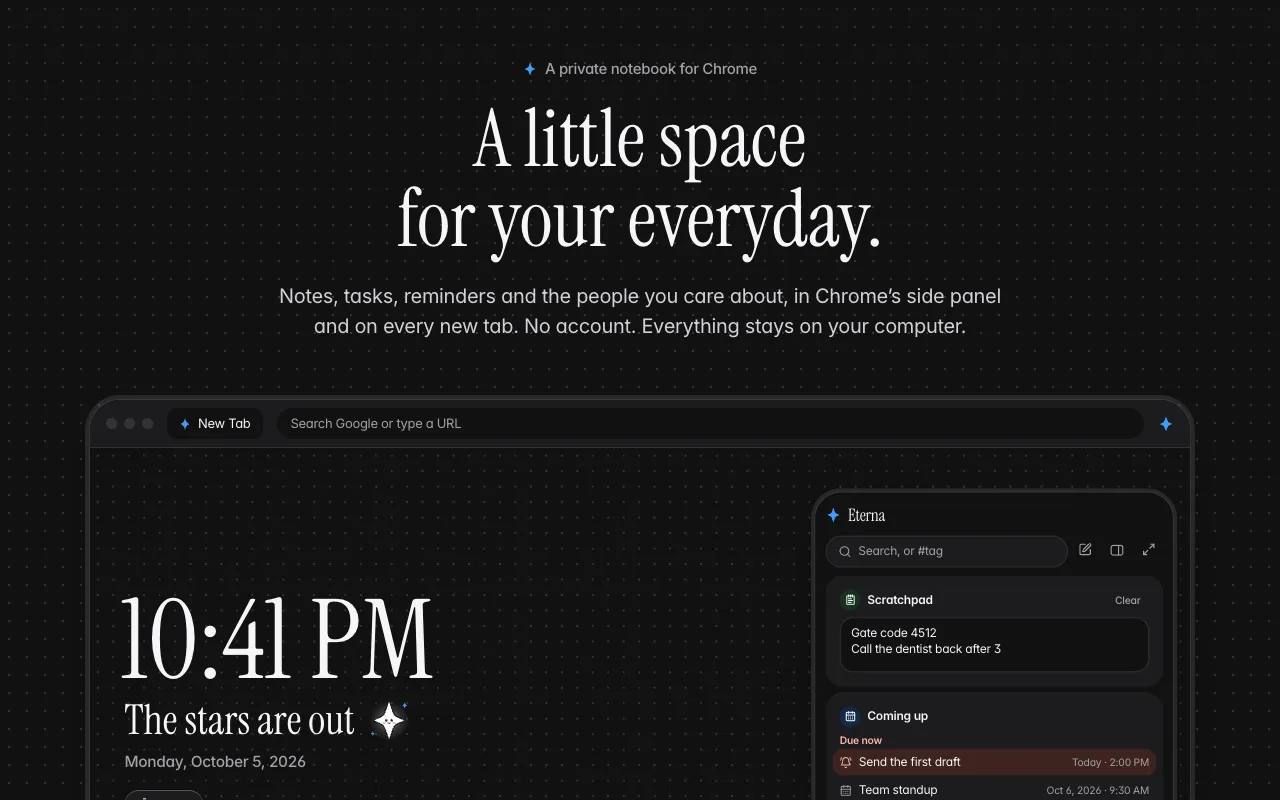
A little space for your everyday.
 Watch demo
About Eterna
Eterna is a calm, private notebook for Chrome. Keep notes, tasks, events with reminders and the people you want to stay in touch with, all in Chrome's side panel next to any page and on your new tab. No account and no sign-up. Everything you write stays in your browser on your device: no cloud sync, no ads, no tracking. Type and press Enter to save. Write "dinner with Sam fri 7pm" and it becomes an event with a reminder. Select text on any page, right-click, and save it to a note. Back up everything to one file whenever you like.
What Eterna is used for
- Students saving quotes and links from articles while they research.
- People who forget birthdays and calls, keeping track of who to reach out to.
- Freelancers jotting quick tasks with due dates and getting a reminder on time.
- Writers keeping a scratchpad and daily notes open on every new tab.
- Privacy-minded users who want a notebook with no account and no cloud.
Eterna pricing
Free. Every feature is included, with no plans, no trial and no ads. No account needed.
Eterna alternatives
Tools the builder names as the closest alternatives.
- Momentum
- Google Keep
- Notion
- Todoist
- Tabliss
Eterna FAQ
- Does it work offline?
- Yes. Everything is stored in your browser, so Eterna works with no internet. Only the optional daily photo background needs a connection.
- Do I need an account?
- No. There's no sign-up and no login. Install it and start writing.
- Where is my data stored?
- Only on your device, in your browser. Nothing you write is sent anywhere. Back up to a single .eterna file and restore it on any computer.
- Will reminders work if Eterna isn't open?
- Yes, reminders show as notifications while Chrome is running. Any missed while Chrome was closed show the next time it starts.
- What happens if I uninstall it?
- Chrome deletes Eterna's data, so make a backup first if you want to keep your notes.
Upvotes over time
Last 24 hoursLaunched the same week

AFFLIGO
Crush your file problems

Murmur
Private AI Dictation for Mac. Talk. It types.

Restore Old Photos - Retrocap
Restore Old Photos with AI – Fix, Colorize & Enhance

TraceUX
Free & Unlimited Session Replay and UX Suite

LassoCrop
Cut Out Any Shape Online with Ease

BaZi Atlas
Four Pillars of Destiny chart calculator
0 comments
No comments yet. Sign in to start the conversation.