Launching soon
This product goes live on November 9, 2026 at 12:00 AM UTC. Upvotes and comments open at launch.

Cloud Mac For Local Llm
Macyou
A dedicated Apple Silicon Mac already serving your LLM
About Macyou
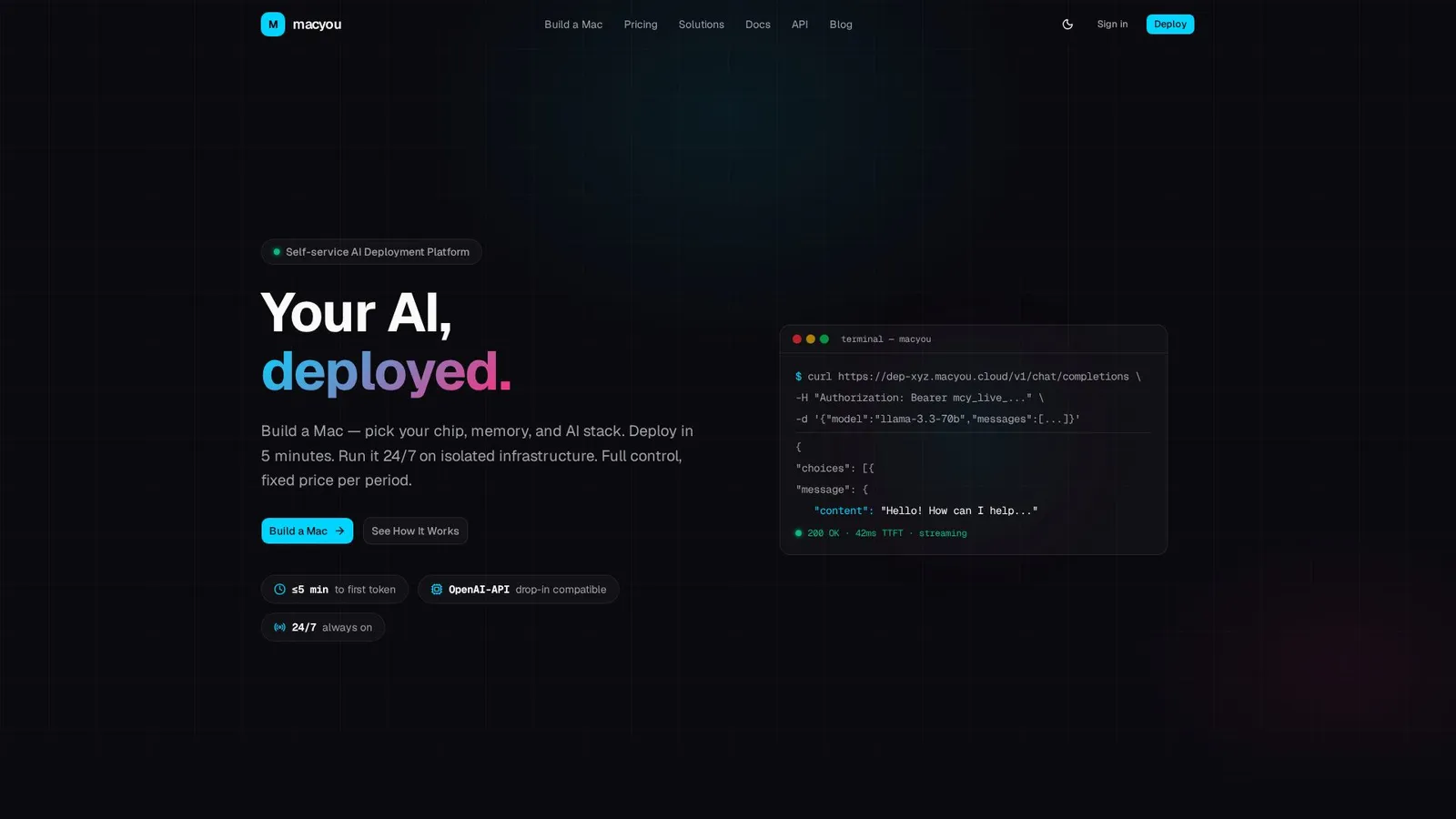
Macyou gives you a dedicated Apple Silicon Mac that is already serving a language model. You pick the hardware, from an M4 Mac mini with 16 GB up to an M3 Ultra Mac Studio with 256 GB of unified memory, choose a stack, and about five minutes later you have an OpenAI compatible endpoint. Existing code keeps working: you change the base URL and the API key. The machine is yours alone. Models run locally through Ollama or llama.cpp, so prompts and documents are not sent to a third party API, and the price is fixed per month instead of per token. Agent frameworks such as CrewAI and LangGraph, MLX, Jupyter and VS Code Server come preinstalled, and you also get SSH and a browser desktop. We publish what each chip actually does. Generation speed on Apple Silicon follows memory bandwidth, so we measure tokens per second on our own machines and release the raw data under CC BY 4.0. A free calculator on the site estimates memory and speed for any model and chip before you rent anything.
What Macyou is used for
- Serving Llama, Qwen or DeepSeek behind an OpenAI compatible API for an internal tool
- Hosting an always on AI agent with a local model backend
- Testing a 70B model on real Apple Silicon before buying a Mac
- Teams whose data cannot go to a shared cloud API
Macyou pricing
Fixed monthly price per machine, with no per token or per request fees. An M4 Mac mini starts at $99 a month, or $80 a month billed yearly. M4 Pro, M4 Max and M3 Ultra configurations cost more and are listed on the pricing page. No setup fees.
Macyou alternatives
Tools the builder names as the closest alternatives.
- MacStadium
- MacinCloud
- AWS EC2 Mac
- Scaleway Apple Silicon
Macyou FAQ
- Do you use OpenAI behind the API?
- No. The endpoint only follows the OpenAI request format. Your model runs on your own Mac through Ollama or llama.cpp.
- Is the hardware shared?
- No. Each customer gets one physical Mac that no other tenant uses.
- Which models fit on which Mac?
- 16 GB runs 7B to 14B models, 64 GB is the entry point for 70B at Q4, and 256 GB keeps the largest open models in memory. The calculator on the site works it out for any model.
- How fast is it?
- A base M4 generates about 21 tokens per second on Llama 3.1 8B in our measurements. Speed scales with memory bandwidth.
1 comment
Hi, I'm Erik. We built Macyou after measuring how fast open models really run on each Apple Silicon chip. Happy to answer questions about memory, speed or setup.